How to Perform an Accessibility Audit: All You Need to Know
Updated on January 1, 2026
Accessibility-related lawsuits under the Americans with Disabilities Act (ADA) have increased sharply in recent years, turning website accessibility into a real risk for organizations of all sizes.
But accessibility is not only about legal exposure. It is about making sure real people can use your website without barriers.
Many teams assume they are covered after running a quick automated scan or adding a surface-level fix. In practice, those steps often miss critical issues and create a false sense of compliance.
This guide explains how to check your website for accessibility in real-world conditions.
It is built on internal studies analyzing 100,000+ scanned pages, combined with hands-on auditing experience across real production websites in different industries.
Taking a data-driven approach matters. When you understand which accessibility issues appear most often, you can prioritize the highest-impact fixes, catch barriers earlier, and make your website usable for a wider audience while reducing long-term risk.
What is an accessibility audit?
An accessibility review evaluates how usable a website is for people with disabilities.
It checks whether users can navigate, understand, and interact with content using assistive technologies and alternative inputs.
The goal is to identify barriers, understand compliance gaps, and provide clear guidance on what needs to be fixed.
Why Accessibility Audits Matter in the United States?
In the United States, website accessibility is enforced under the Americans with Disabilities Act. While the ADA does not define technical website rules, courts consistently rely on WCAG when evaluating whether a website is accessible.
This has made accessibility reviews a critical risk-management tool.
Without a structured accessibility assessment, organizations are often unaware of barriers that expose them to complaints, demand letters, or lawsuits.
Audits help organizations move from assumptions to evidence. They reveal where real users are blocked, how WCAG expectations apply in practice, and which issues create the highest legal and usability risk.
When is the Best Time to Conduct an Accessibility Audit?
Accessibility audits are most effective when they are part of the product lifecycle, not a one-time reaction. Different stages introduce different risks, and auditing at the right moments helps teams catch issues before they spread.
-
During planning and early design
Running an accessibility audit early helps teams design layouts, components, and user flows with accessibility in mind from the start.
This approach reduces rework later and makes accessibility easier to maintain as the project grows.
-
Before launch
A pre-launch audit is critical before a website, application, or major feature goes live.
It helps identify blockers that could prevent users from navigating, completing forms, or accessing key content on day one.
-
After major updates or redesigns
Large design changes, new features, or content updates often introduce new accessibility issues.
Auditing after significant changes ensures that improvements did not unintentionally create new barriers.
-
On a regular, ongoing basis
Accessibility is not static. Websites change constantly, and even small updates can break accessibility.
Regular audits help teams monitor changes, catch regressions early, and maintain compliance over time.
What Does an Accessibility Audit Actually Check?
Once you understand why accessibility reviews matter, the next question is what accessibility assessments actually examine in practice.
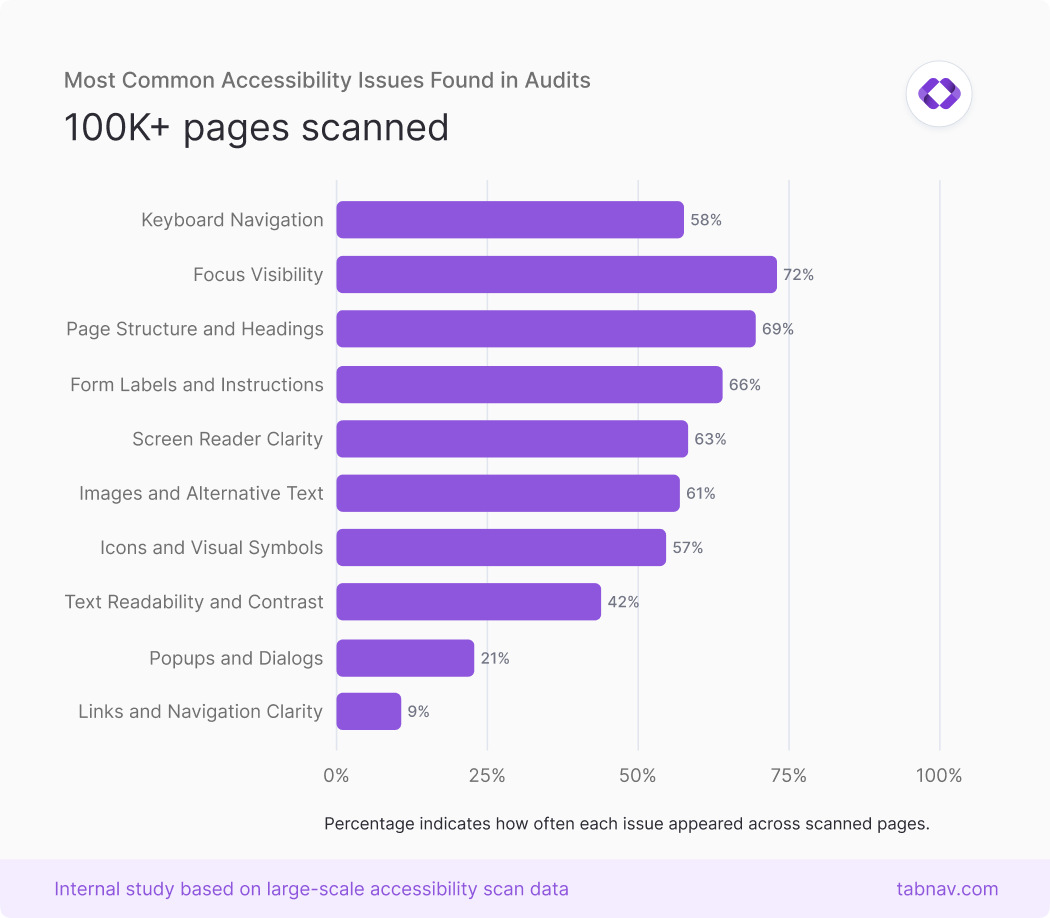
Based on internal studies analyzing over 100,000 accessibility scan results, the issues below consistently appear as the most common barriers and are among the first checks we perform during accessibility audits.
-
Keyboard navigation
Many users rely entirely on a keyboard to navigate a website, including users with motor impairments and screen reader users.
An audit checks that all interactive elements can be reached, used, and exited using only the keyboard, without traps or mouse-only interactions.
-
Focus visibility
Keyboard users need to see where they are on the page at all times.
Audits verify that focus indicators remain clearly visible as users move through links, buttons, and form fields.
-
Page structure and headings
Headings provide structure for screen readers and help users navigate long pages efficiently.
An audit checks that headings follow a logical order and accurately describe the content that follows.
-
Form labels and instructions
Forms are one of the most common sources of accessibility issues.
Audits verify that every input has a clear, programmatically connected label and understandable instructions and errors.
-
Screen reader clarity
Interactive elements must clearly communicate their purpose.
Audits check how buttons, links, and controls are announced by screen readers and flag vague or missing labels.
-
Images and alternative text
Images that convey meaning must include appropriate text alternatives.
An audit reviews whether users who cannot see images still receive the same information.
-
Icons and visual symbols
Icons often replace text, especially in navigation and action buttons.
Audits ensure icons are either labeled for assistive technologies or hidden when decorative.
-
Text readability and contrast
Low contrast text can be difficult or impossible to read for many users.
An audit checks contrast, font size, spacing, and readability when zoom or text scaling is applied.
-
Popups and dialogs
Popups and modals can easily break accessibility if not handled correctly.
Audits verify proper focus management and that dialogs can be closed using a keyboard.
-
Links and navigation clarity
Links should make sense on their own, without surrounding context.
Audits check that link text clearly describes its destination and behavior.
Free Web Accessibility Checker
Enter your website URL to get a free, instant accessibility scan with tabnav's checker.

How Accessibility Guidelines Fit Into an Accessibility Audit
Accessibility audits are based on established guidelines, not personal opinions. The most widely used standard is the Web Content Accessibility Guidelines, published by the World Wide Web Consortium.
WCAG is designed to support people with different types of disabilities and recognizes that accessibility is not a simple pass-or-fail checklist.
To make accessibility measurable, WCAG groups its requirements into different levels of conformance, helping organizations understand what needs to be fixed and what is expected for compliance.
Understanding WCAG Conformance Levels
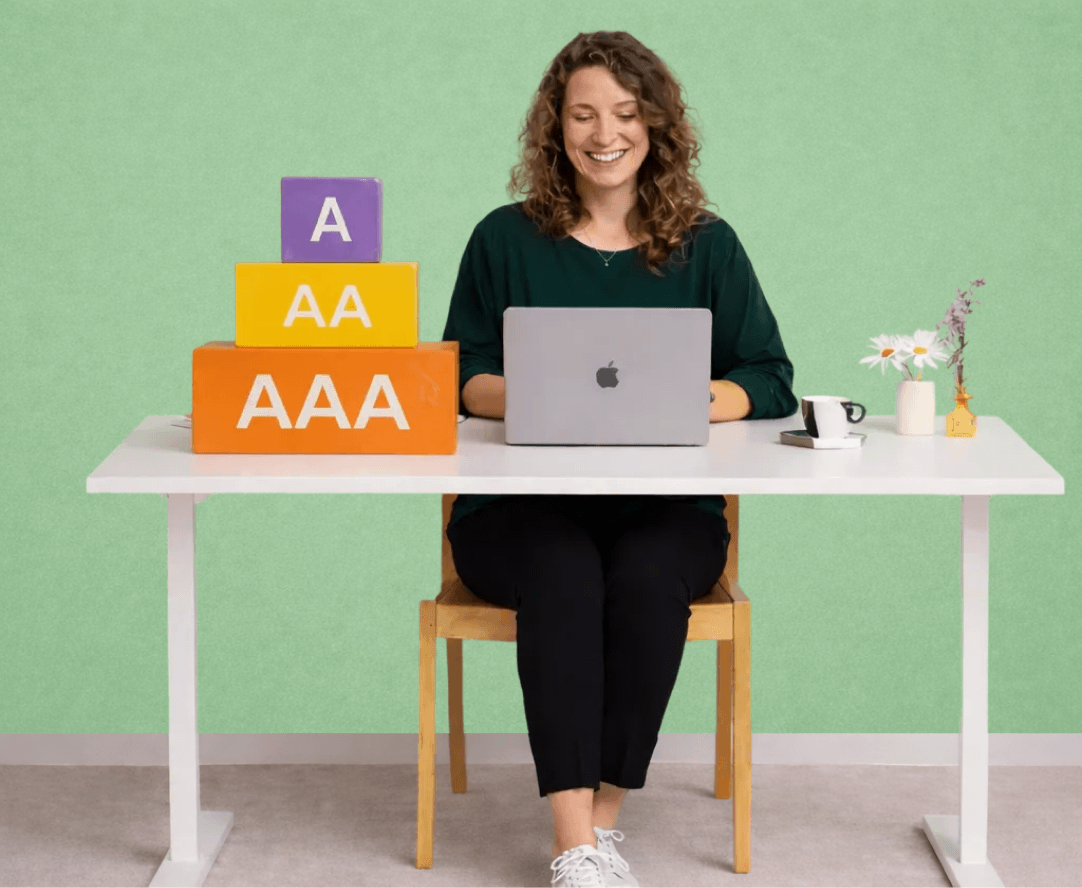
WCAG includes three conformance levels: Level A, Level AA, and Level AAA. Each level represents a different depth of accessibility support.
-
Level A: Essential Accessibility
Level A covers the most basic accessibility requirements. Issues at this level often prevent users from accessing a website at all, such as being unable to navigate with a keyboard or use a screen reader.
-
Level AA: The Expected Standard
Level AA builds on Level A and addresses more common barriers, including color contrast, readable text, clear navigation, and usable forms.
For most commercial websites, including e-commerce, Level A and Level AA together are the expected compliance target and the level most often referenced in legal and regulatory contexts.
-
Level AAA: Advanced and Limited Use
Level AAA represents the highest level of accessibility and is usually relevant only in specific public-sector or government scenarios. It is not typically expected across an entire commercial website.
Some Level AAA requirements are designed to support very specific disability needs and are not realistic for all content. For example, Success Criterion 1.2.6 - Sign Language (Prerecorded) is a Level AAA requirement that calls for sign language interpretation for prerecorded video content. While important for some users, applying this across all video content would be impractical for most e-commerce websites.
Which WCAG Level Does Your Website Need to Meet?
If you are unsure which WCAG level applies to your website, it's best to consult an accessibility expert. Requirements can vary depending on your organization, industry, audience, and location.
In most cases, if your organization has not been explicitly told to meet Level AAA, compliance with Level A and Level AA is sufficient. These levels address the most common accessibility barriers and align with typical legal expectations.
Manual vs Automated Accessibility Audits
When people hear "accessibility audit," one of the first questions is whether automated testing is enough or if manual testing is also required. The difference matters, because each approach uncovers a different type of accessibility issue.
Automated Accessibility Audits
Pros
- Fast and scalable across large websites
- Effective at catching repeatable technical issues
- Useful for ongoing monitoring and regression detection
Cons
- Cannot understand real user interaction or context
- Miss issues related to keyboard flow and screen reader behavior
- May flag false positives or overlook meaningful barriers
Manual Accessibility Audits
Pros
- Reveals issues automated tools cannot detect
- Tests real user journeys and interaction logic
- Provides clearer insight into usability and impact
Cons
- More time-intensive
- Requires accessibility expertise
- Harder to scale across very large sites
Examples of Accessibility Audit Tools and Services
There is no single tool that can catch every accessibility issue. Most teams rely on a combination of automated tools and expert review to understand where real barriers exist.
Below are commonly used accessibility testing tools and services that help identify issues, validate fixes, and support ongoing accessibility efforts.
-
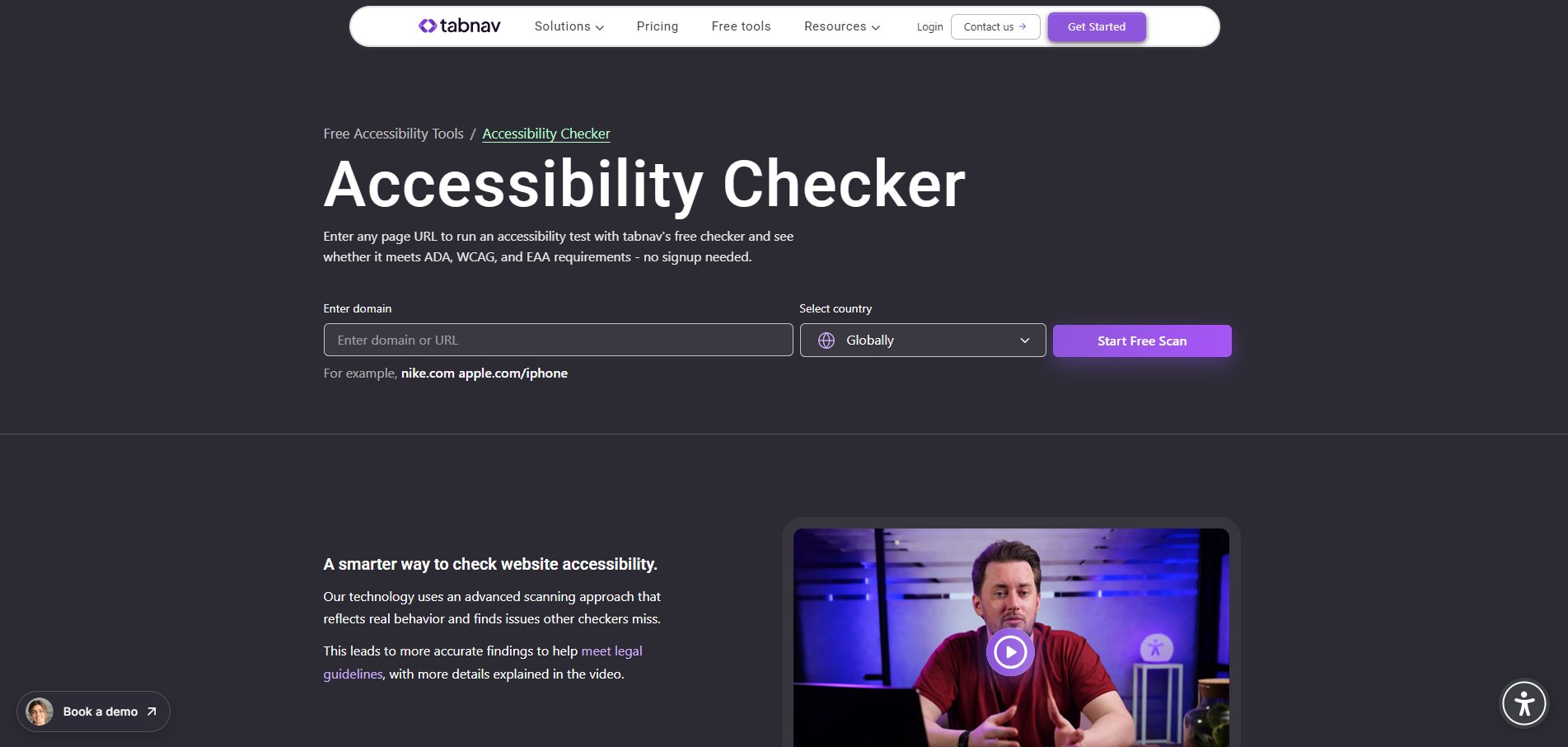
The tabnav Accessibility Checker scans websites for WCAG-related issues and highlights common accessibility barriers across pages.
It helps teams quickly understand where problems exist and prioritize fixes, with a focus on real-world usability.
-
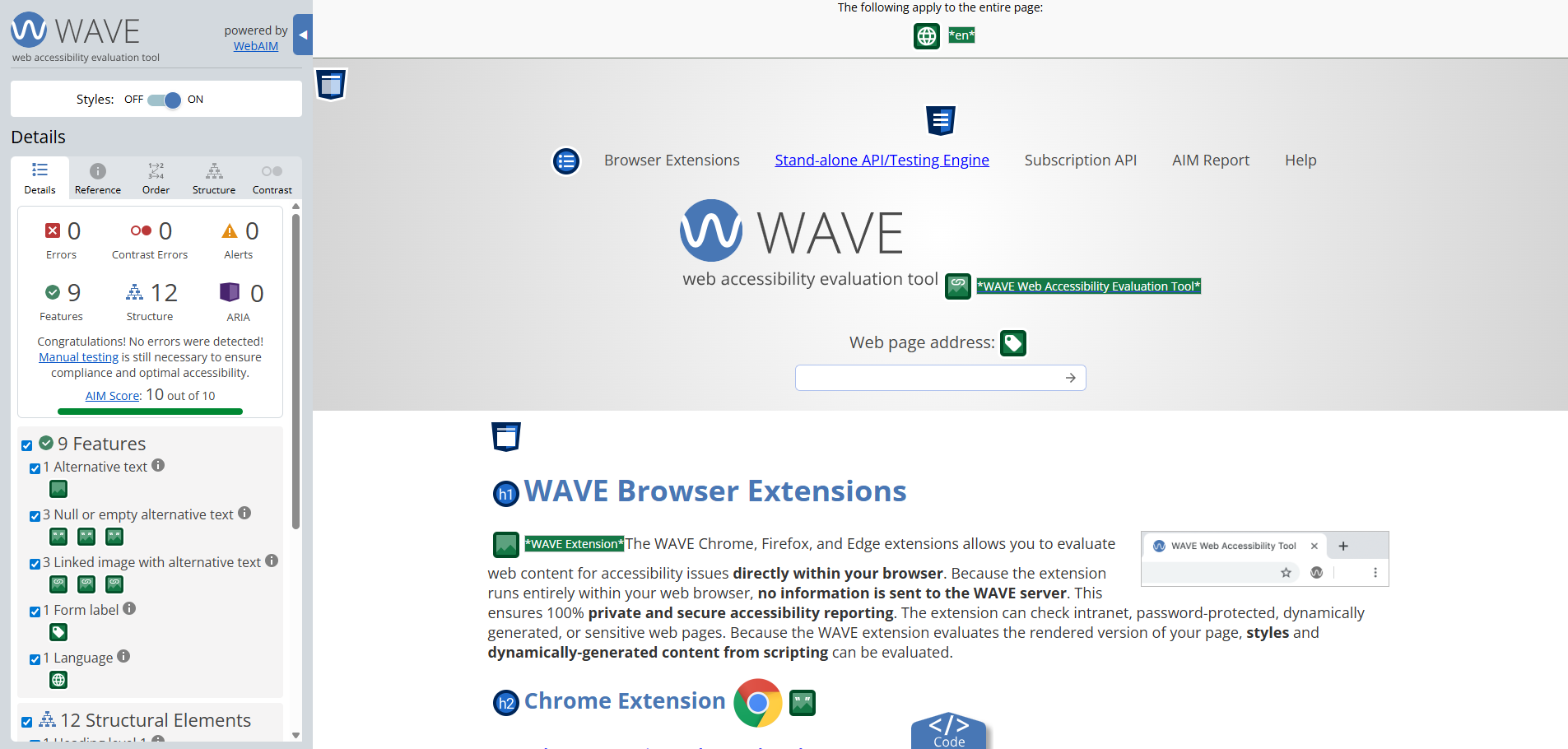
WAVE is a browser-based accessibility testing tool.
It visually highlights accessibility issues on the page, including structure, labels, contrast, and ARIA-related problems.
-
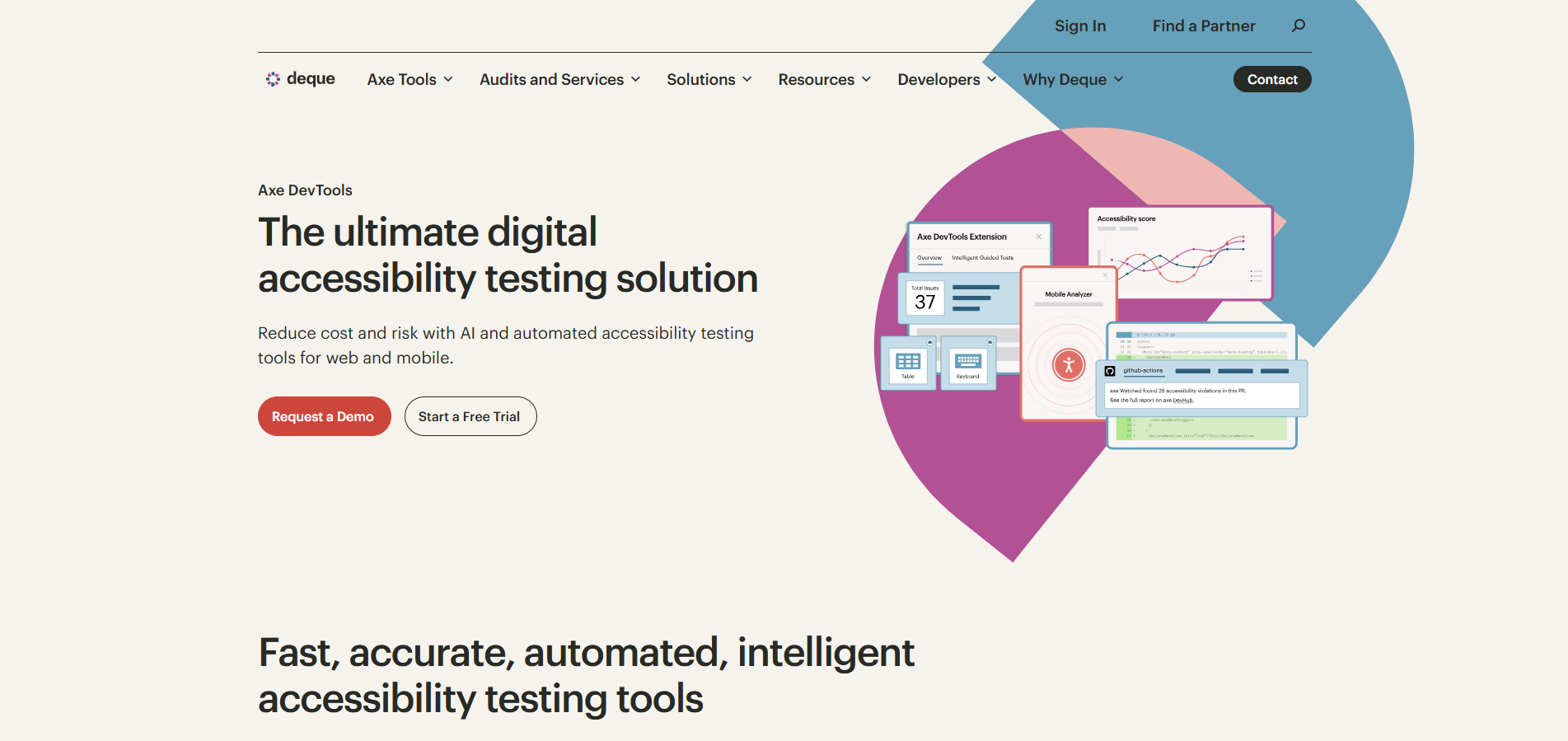
Axe DevTools is a popular accessibility testing solution for developers and QA teams.
It integrates into browsers and development workflows to identify technical accessibility issues aligned with WCAG.
-
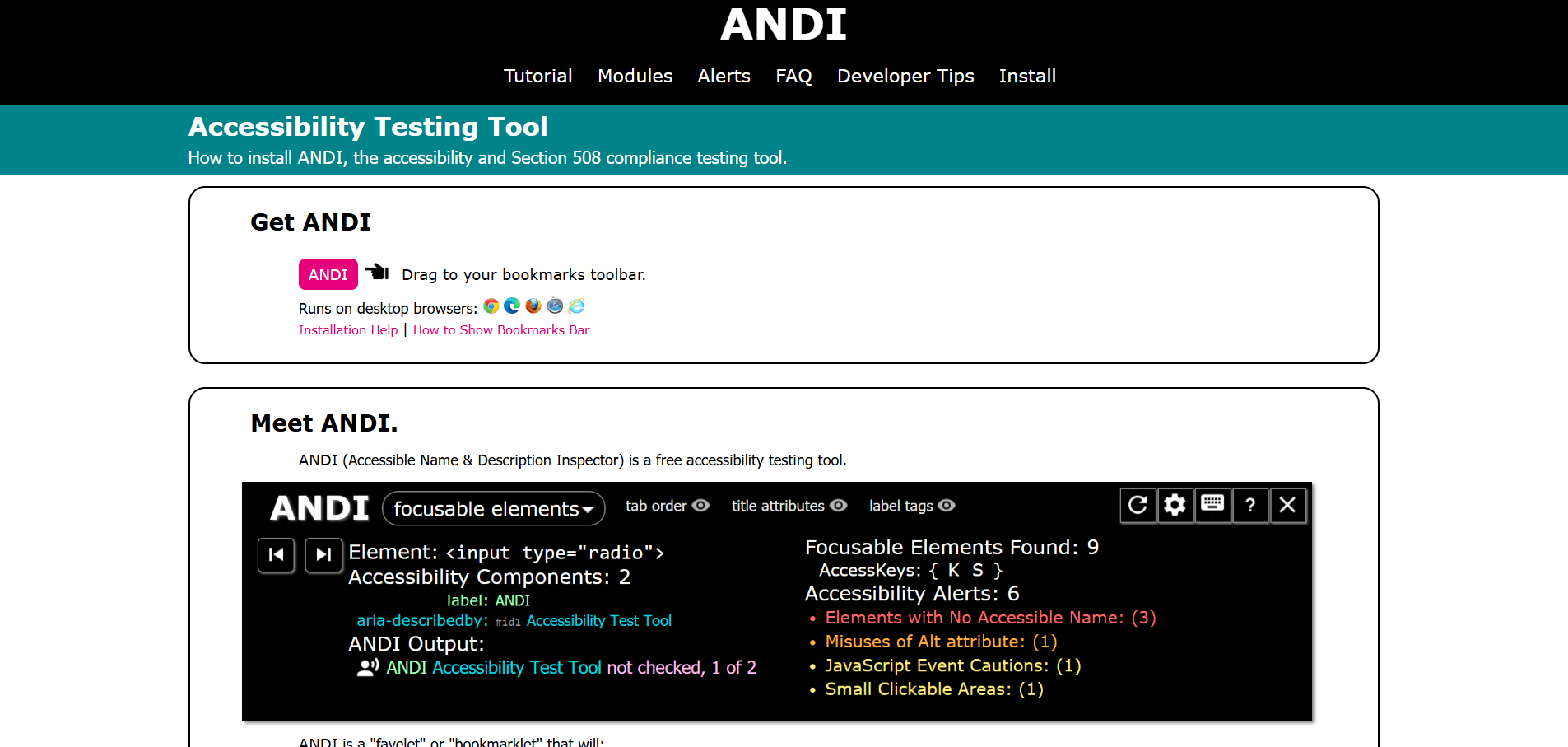
ANDI is a free accessibility testing tool developed by the U.S. Social Security Administration.
It helps testers understand how assistive technologies interpret web content and supports manual inspection.
-
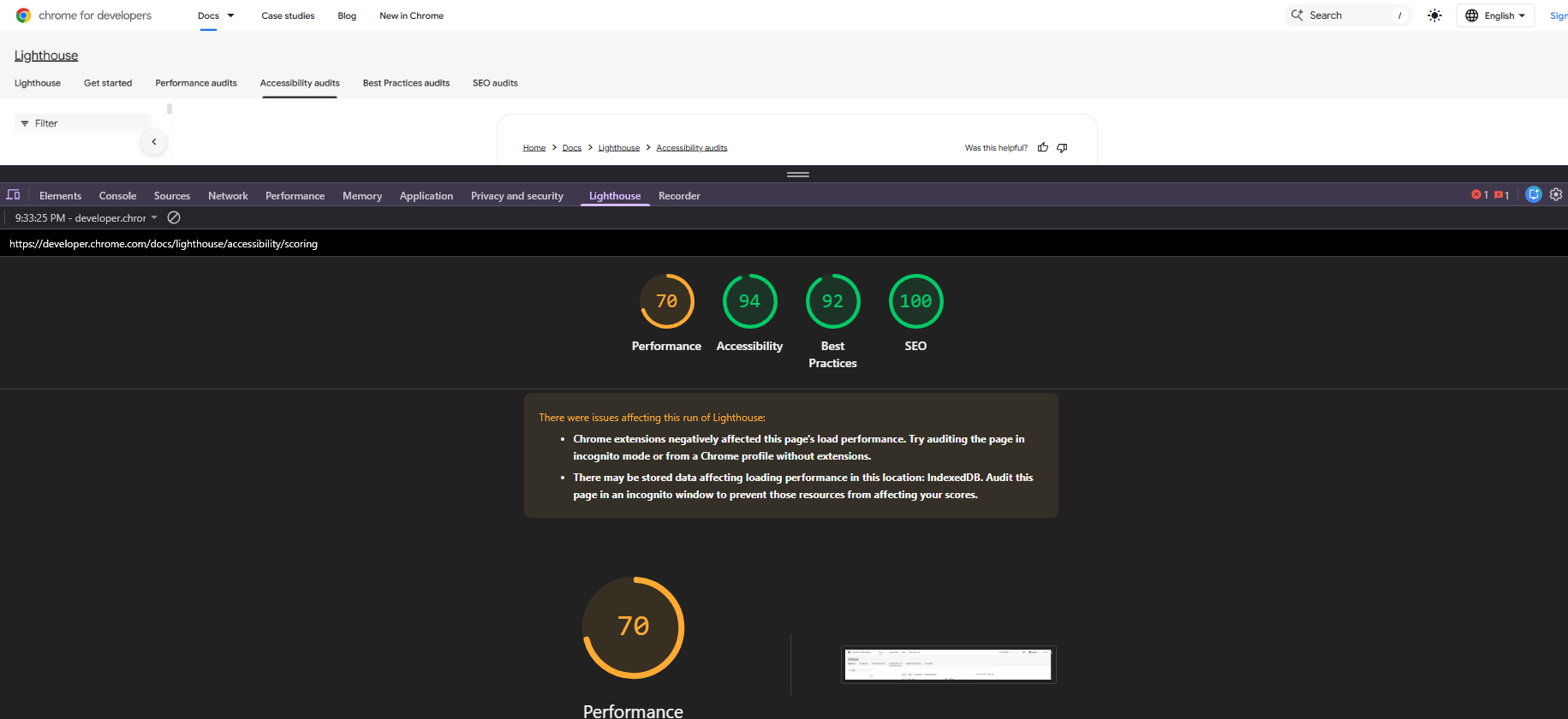
Lighthouse is an automated accessibility auditing tool built into Chrome DevTools.
It provides a quick overview of common issues and works best as an initial check, not a full audit.
What are the Benefits of Accessibility Audits?
Accessibility audits deliver value far beyond compliance. When done properly, they improve usability, reduce risk, and support long-term growth.
-
Improve usability for all users
Accessibility improvements usually make the whole site feel smoother, not just more “compliant.” Things like clearer navigation, better spacing, and more readable layouts help everyone move faster.
For example, captions help users who are hard of hearing, but they also help people watching in noisy spaces, on mute, or in a second language.
-
Reduce legal and compliance risk
Audits surface the issues that most often trigger complaints, demand letters, and legal action. That includes keyboard barriers, missing labels, and confusing screen reader output.
Fixing problems early is also less disruptive. It avoids last minute remediation, rushed releases, and the stress of proving progress when the pressure is already on.
-
Strengthen user experience and trust
Accessibility audits improve the basics that users notice immediately: clarity, predictability, and control. When people can find things, understand actions, and recover from errors, the site feels professional.
That experience builds trust. It also reduces frustration for users who rely on keyboards, screen readers, zoom, or voice input to complete everyday tasks.
-
Expand audience reach
Accessibility removes barriers for people with disabilities, but it also supports older users and anyone dealing with temporary limitations like injury, poor lighting, or slow devices.
In practice, that means fewer drop-offs and more completed journeys. If users can actually finish a checkout, submit a form, or read key content, your site reaches more people without extra marketing spend.
-
Support SEO and AI visibility
Many accessibility fixes improve how search engines understand your site. Proper headings, descriptive links, and clear structure make pages easier to crawl, index, and rank.
They also help AI systems interpret your content. When your site is well-structured and your UI is properly labeled, your pages are more likely to be understood and surfaced in AI-driven search experiences and summaries.
-
Enable continuous improvement
Audits don’t just list issues. They show patterns: what breaks most often, where users get stuck, and which components need a long-term fix instead of a quick patch.
That insight helps teams prioritize the right work. Over time, audits also become a quality baseline you can use after releases, redesigns, or content updates.
-
Lower long-term costs
Fixing accessibility issues early is almost always cheaper than fixing them later. The longer problems sit in production, the more pages, templates, and teams they spread across.
Regular audits reduce rework and prevent accessibility debt. They also help avoid expensive emergency remediation when deadlines are tight and expectations are high.
Best Practices and Tips for Running Accessibility Audits
To get reliable results from an accessibility audit, teams need a consistent process. The points below outline practical steps that help audits uncover real issues and support long-term accessibility efforts.
-
Start with a defined review scope
Before auditing, decide what will be reviewed and why. Focus on key pages, templates, and important user paths instead of trying to cover everything at once.
This keeps the audit manageable and ensures high-impact areas are reviewed first.
-
Rely on established tools and reference lists
Use recognized accessibility tools alongside structured checklists to guide the review.
Tools surface common issues, while checklists help review navigation, media, and page structure systematically.
-
Evaluate all types of content
Accessibility issues often appear beyond page layout.
Audits should include images, videos, forms, and interactive components, including text alternatives, captions, instructions, and controls.
-
Track findings in a clear and organized way
Audit results should be documented clearly and consistently.
Recording issue location, description, and recommended fixes helps teams prioritize and track remediation over time.
-
Check behavior across devices and browsers
Accessibility can vary by screen size, operating system, and browser.
Testing on mobile, tablet, and desktop helps ensure a usable experience across environments.
-
Give special attention to keyboard and screen readers
Keyboard navigation and screen reader support are core accessibility requirements.
Audits should confirm users can navigate, interact, and complete tasks without relying on a mouse.
-
Review accessibility on a recurring basis
Websites evolve, and accessibility can break as content changes.
Regular audits help ensure updates meet accessibility expectations and prevent issues from accumulating.
-
Learn from real user interaction
People with disabilities often encounter barriers that tools do not detect.
User feedback or usability testing adds practical insight into real-world usage.
-
Include accessibility knowledge in the process
Accessibility specialists bring experience interpreting guidelines and identifying complex issues.
Their involvement improves accuracy and reduces misinterpretation.
-
Balance automated checks with hands-on testing
Automated scans quickly identify repeatable issues.
Manual testing is needed to assess interaction flow, focus behavior, and assistive technology output.
-
Act on audit results promptly
Audit findings should lead to clear next steps.
Assign ownership, prioritize fixes, and address issues in a structured way.
-
Build audits into ongoing design and development
Accessibility works best when audits are part of regular workflows.
Reviewing accessibility during redesigns, updates, and migrations helps prevent issues before launch.
Final Thoughts
An accessibility audit is not about passing a test or generating a report.
It is about understanding how people actually experience your website and where real barriers exist. When done properly, it reduces legal risk, improves usability, and creates a foundation for sustainable accessibility.
Treat accessibility testing as ongoing quality control, not a one-off task, and it becomes a long-term asset rather than a last-minute fix.

You might also like...